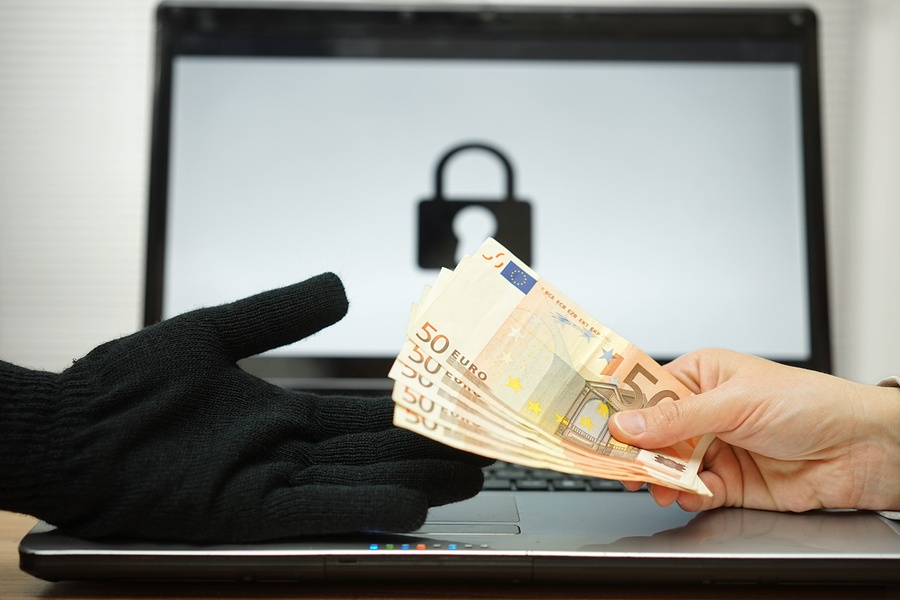
 There have been plenty of reports of ransomware attacks over the last two years. It’s clearly on the rise. New reports show that ransomware is now the top cyber security threat to the financial industry, which tends to be the most security conscience sector. Darknews tells us more with some alarming stats.
Some 55% of financial services firms recently surveyed by SANS report ransomware as the top attack threat, followed by phishing (50%), which previously held the top spot. More than 32% of financial firms say they’ve lost anywhere from $100,000 to a half-million dollars due to ransomware attacks.
Ransomware’s infiltration of the security-forward financial services industry underscores the dramatic rise in ransomware over the past year and growing pressure on preparedness. The malware that infects machines and holds them for ransom payment by the victim is the fastest-growing form of malware today, with more than 4,000 ransomware attacks per day since January 1 of this year. That’s an increase of 300% since 2015, and security experts at Trend Micro say ransomware cost enterprises some $209 million in the first half of 2016.
Attackers are also tucking ransomware alongside and inside other attacks. Some ransomware attacks hold the machine for ransom and then also use it to wage distributed denial-of-service (DDoS) attacks on other victims. More than half of DDoS attacks worldwide ultimately lead to ransomware and other malware attacks, according to a new study by Neustar.
Meanwhile, organizations of all sizes and industries are getting infected with ransomware. The difference between those who get stung and those who survive relatively unscathed is preparedness – and sometimes a little luck.
Backing up data regularly and keeping a clean backup has always been one of the key recommendations for surviving a ransomware infection. Even endpoints running the most up-to-date software, email filters, and other security layers can get hit with ransomware: all it takes is for a user to fall for a phishing email and to open a malicious attachment or link.
But how a backup is managed can be the difference between losing data to the attackers unless you pay, or retrieving data and eradicating the ransomware.
Travis Smith, senior security research engineer at Tripwire, says the old 3-2-1 strategy applies: “Always have three copies of data, one that is offsite [or] offline,” he says. “What’s also very important for companies to adopt in today’s ransomware world: we’ve seen ransomware that targets backup systems, so when you try to bring backups back online you don’t have the ability to restore from the backups.”
Data backup and proper security measures are crucial to surviving a ransomware attack. If you believe you are experiencing a ransomware attack, contact the data backup and recovery experts at Great Lakes Computer right away. The sooner our techs can get working on the issue, the more likely you are to recover from it unscathed. Want to learn more about our experience with this type of cyber attack? Read a case study about one of our clients.
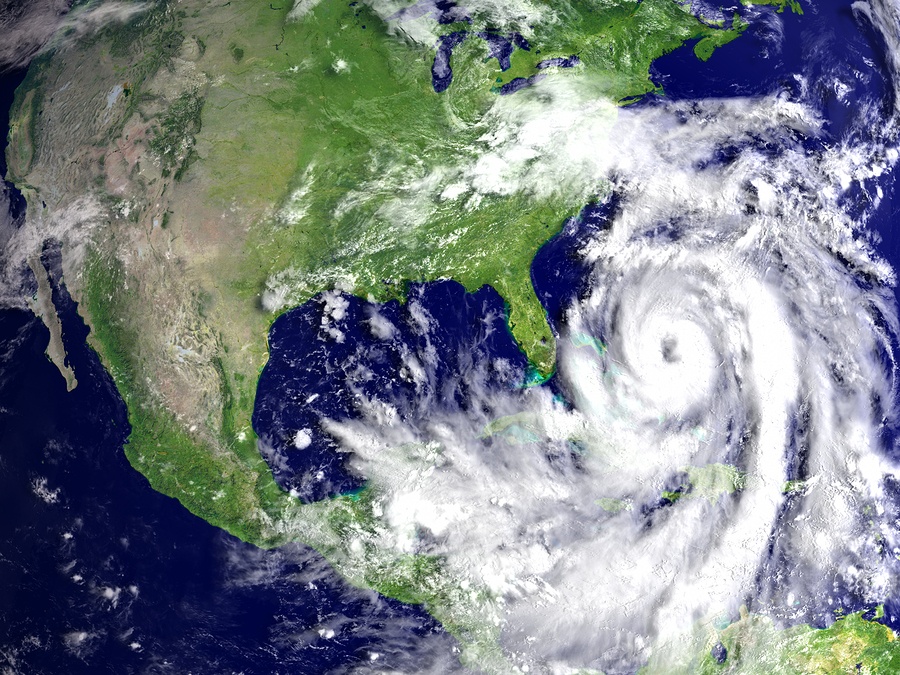 Weather isn’t the only threat to fear in a hurricane. Cyber criminals are using the chaos and destruction following Hurricane Matthew to take advantage of unsuspecting web users using malware and phishing scams. The
 Thermal printers are innovative, technological products that can provide amazing benefits for many businesses. Some companies rely heavily on their use, and extended downtime due to maintenance issues can prove very costly. In order to get the most out of your thermal printer and keep it in optimal condition for as long as possible, there are several important guidelines you can follow.


