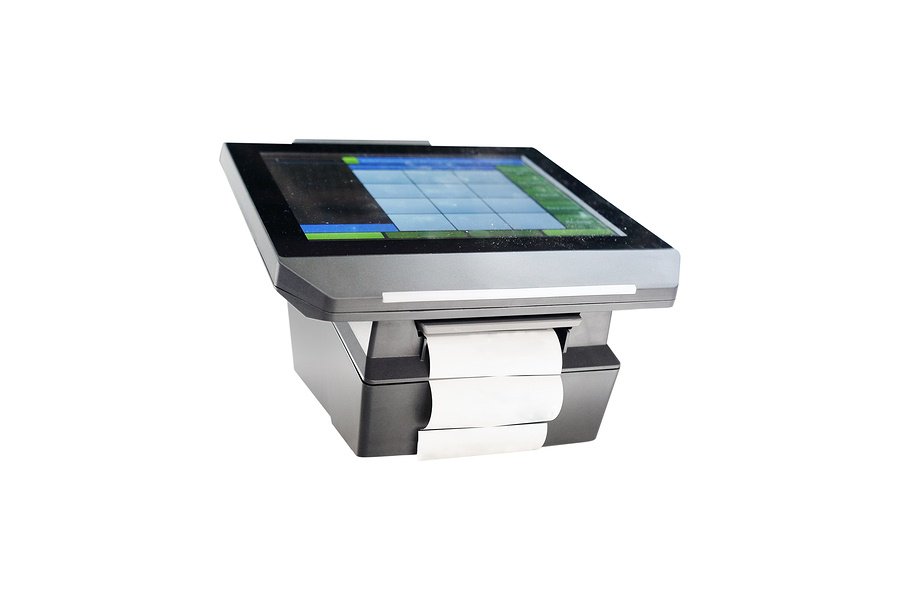
 Many businesses are heavily dependent upon the performance of their POS system, which makes it paramount for them to take all possible steps to ensure that it is always operating in good condition. When POS systems fail due to misuse or malfunction it often results in frustrated customers leaving without a purchase, employee productivity plummeting, and your reputation taking a serious hit.
While it’s obviously not possible to eliminate all chance of a system failing, there are several practices you can incorporate into your business that will likely increase the lifespan of your POS system.
Ventilation Concerns
POS systems, like almost all pieces of technological hardware, contain hundreds of sensitive parts that are necessary to keep the device operating optimally. The presence of excessive heat that builds up in the unit as the processors operate can wreak havoc on these important components. One of the best ways to protect the system from heat damage is by placing it in an area with proper ventilation. While most systems do contain internal cooling fans, these fans often aren’t enough on their own to properly cool the unit to a safe temperature. It’s best to avoid placing the system against a wall or other obstruction that would block the flow of ventilation through the unit.
Cleaning and Inspection
Dirt and dust naturally exist in technological hardware. As the cooling mechanism provides ventilation within the unit, dust will settle in every open area and threaten to clog up your system. Other dangers include dirt or other foreign particles contaminating the components of the system and even the buildup of harmful grease in some situations. You should inspect all areas of the POS system for the presence of these factors and clean affected sections at least twice per year or establish a regular schedule.
Proper Use by Staff Members
Like all mechanical devices, POS hardware is designed to be used in a specific way and are more prone to malfunctioning and breaking down when used improperly. Since your staff members will be spending significant hands-on time with your system, it’s best to invest in substantial training programs to ensure that they are following correct procedures. Your employees use the POS system more than anyone, so they are the first line of defense when it comes to prolonging the life of the system and protecting your assets.
Expert Assistance
It’s helpful to have a partner when it comes to safeguarding your important equipment, which is why contracting with an IT services company to inspect and repair your POS system is a necessity for many business owners. Prevention is the best cure, so work with experts who can protect your business from costly downtime due to POS malfunction.
If you’re looking to protect your POS system from possible malfunction, or if it just hasn’t been running as well lately and you think it’s time for an evaluation, contact the service professionals at Great Lakes Computer.

 Network Security is serious business. There are many ways intruders can get into your network. Strong passwords are a great place to start defending your network, but you need to take it to the next level. Here are five ways Wi-Fi attacks occur and how to prevent them from
 You’ve been successful in business and your company is growing. But with growth comes expansion. Increases in staff and equipment can quickly turn your current office space from roomy to congested. Once you find a new office space, you are faced with the daunting task of relocation. Moving is never easy, and there are bound to be bumps in the road. Here are 5 tips to help you ease the transition from

