Great Lakes Computer’s new Computer Repair Video on 5 Steps to Resolve Printer Problems
-
Did your printer get jammed again?
-
What do the lights mean when I plug my ethernet cable into my printer?
-
When is it appropriate to smash my printer with a sledgehammer?
Get answers to these questions and follow these 5 steps should you have a printer problem. Provided by Great lakes Computer, these steps to printer repair will save time and money and headaches.
 One of the things that make a disaster so catastrophic is the lack of notice before it occurs. If a server fails catastrophically and its data becomes unreadable, it is unlikely to send out a reminder before data is lost into the abyss. For these reasons, ensuring that data is backed up regularly should be a top priority in businesses.
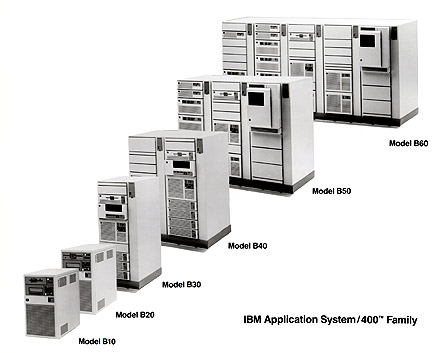 The common perception of business IT systems is that firms both large and small generally strive to be on the cutting edge of technology – adopting flat-screen panel monitors, for example, long before such items became a common item for use with home PCs. The reality in the business world, however, is often quite different. Many businesses choose to maintain some of their most critical computing functions on legacy systems that are outmoded by any definition of the term. This practice, in fact, is far more widespread than is commonly believed.


