 If you’re executing a good deal of programs from your server instead of the cloud, you’re going to have to provide extensive regular maintenance for your server. Even if you don’t have to use your server much, it’s still wise to provide consistent maintenance and oversight to keep it operating smoothly.
A preventative approach always reduces more headaches than a reactionary one – and it costs less to do computer server maintenance that way too. But, whether it’s your in-house staff or a your Managed Service Provider, this list of action items should be part of your server care routine.
What should you be doing regularly?
There’s more than this, but this list is a starting point:
-
- Verify you have working backups. You may have all the processes set up and everything looks good. But, do a test recovery a couple times per year – just to make sure your data actually comes back when you need it. Best practices for effective Disaster Recovery list this as a “must.”
- Examine your disk usage. If you need to store data permanently for legal purposes, it should be located within its own system. Don’t use your regular system to store data you need archived. This could potentially lead to security issues. Also, if you use lesser data, you can recover faster if your disk fails. The rule is this: Once you use 90% of your disk’s capacity, either find old programs and data you don’t need and delete them, or purchase more storage.
- Automate repetitive tasks. Your IT support team should develop a maintenance plan that automates full backups and transaction log backups.
- Know what external sources are available. Are you hiring a third party to handle some of your server maintenance issues? Make sure you know what your internal team is going to do, and what the third parties will handle.
- Don’t schedule routine maintenance on Fridays or before holidays. Sometimes you have emergency maintenance and can’t avoid this, but if you know it’s coming, don’t do your maintenance at these times. If something goes wrong during the maintenance, it can be impossible to get a hold of any additional support resources.
- Fine-tune your data warehouse regularly. You never know how your users will actually use your system at any given point. Because of this reality, you’ll have to periodically review how your data is used and fine-tune the configuration for the best performance possible. Specifically, you should defragment and rebuild indexes when they reach 30% fragmentation, delete dimensional data 1-2 times per year, and clear out unneeded logs and historical data.
While this isn’t a complete guide to computer server maintenance, these tips will get (or keep) your organization going in the right direction.
Remote Monitoring May Be A Great Option
Remote monitoring of your servers through Great Lakes Computer is a cost effective solution that gives you piece of mind that your servers are maintained and working correctly.
 Security breaches are becoming more of a promise than a threat. It is not a matter of if, it’s a matter of when. According to the Identity Theft Resource
 Getting a new PC or laptop is a blessing and a curse. It’s a blessing in that you get a clean slate, a fresh start. None of the old junk cluttering up your shiny new hard drive. It works at its absolute best. The curse comes when you realize nothing is set up the way you’re used to and you have to figure out how to fix it all. Most of the work is based on your subjective opinion… tweaking things the way you like them. But, keeping your data security in tact is a necessity and it doesn’t matter who you are or what you use your computer for.
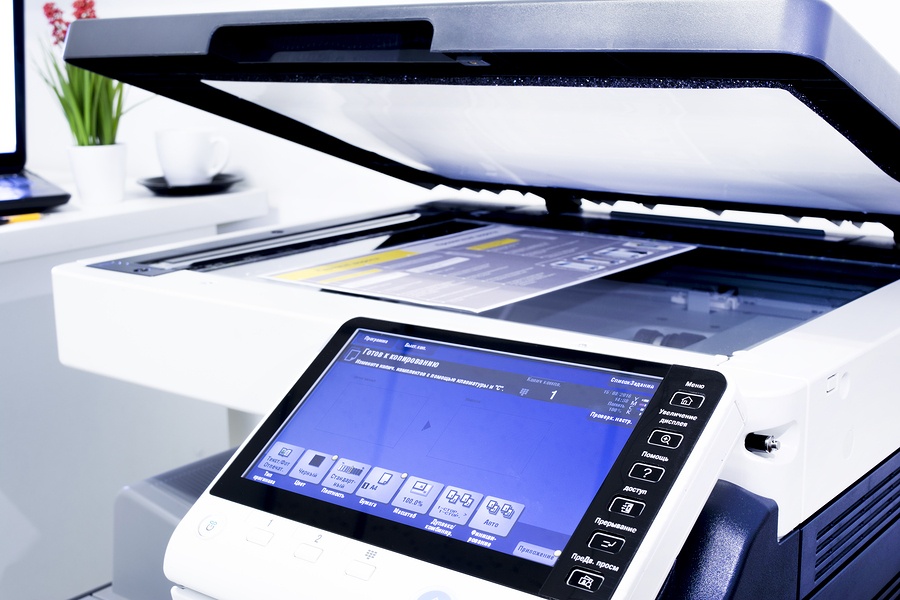 The business owner is notorious for being a “jack of all trades”. When you decide to start a business, you may not feel comfortable outsourcing tasks that you can handle yourself. But, as business grows, demands on the owner grow as well. It starts to become necessary to hand off some of the everyday maintenance tasks in favor of tasks that require your expertise. That’s just smart business. Managed Print Services (MPS) are a no-brainer.
 It has been proven again and again, enabling a mobile workforce can be a boom to the success of all types of businesses. Business owners see increased productivity, efficiency, and employee satisfaction (and thus higher retention). All of these add up to cost savings. However, the lifeblood of a mobile workforce is the laptop and the key function of them is that they can go anywhere. This opens them up to a world of potential damage. But, why are they so much more costly to repair?
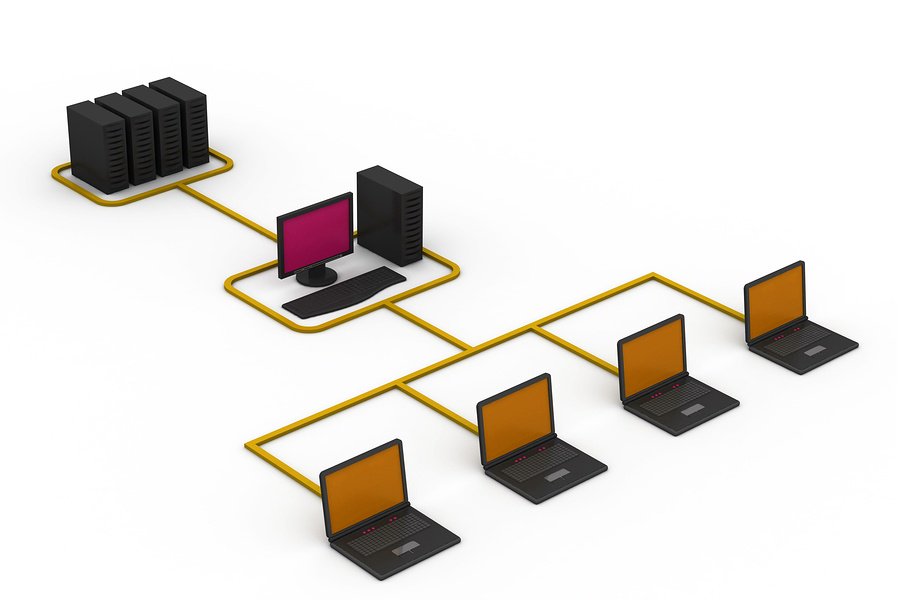 Servers are complex pieces of machinery that very few people in a business generally understand. Because of this, it’s critical to have thorough server documentation in the event of an emergency. If a problem occurs with your server, you want to be able to act quickly and a well-organized manual is critical to reducing recovery time.

