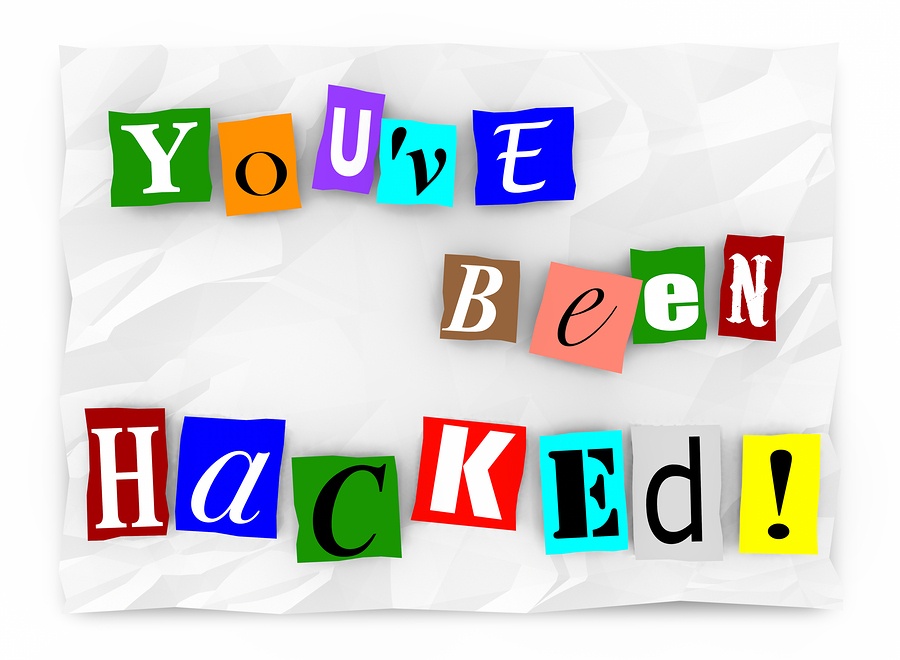
 We’ve talked a lot about ransomware in the last year. Frankly, the whole world has been talking about it as it becomes one of the leading global cybersecurity threats. The biggest problem with this type of malware is the urgency it creates. Because of an impending threat of data loss and being locked out of your own machine, you feel the need to act immediately. So the question becomes should you pay the ransom? The answer is tricky.
Almost all sources would suggest that if you have access to an expert that can help you circumvent the ransomware code, then by all means, that is what you should try. There are risks of losing your data, but your expert should be able to determine fairly quickly if they can work around it. If they can’t, then you’re faced with the pay or not decision.
When these attacks first started occurring in 2015, the advice from many sources, like this 2015 blog post, would suggest you evaluate how important that data is to you. “If the crooks have implemented the encryption process properly, the only way to get your files back is to to pay them for a copy of the decryption key.” Is it worth risking complete loss for a couple hundred dollars? In that moment of panic, that may seem like a simple decision depending on the information you’ve lost control of. And, more often than not, payment would solve the problem. “For better or for worse, most ransomware gangs have acquired a bit of an ‘honour among thieves’ reputation, so that if you do pay over the money, you almost certainly will get your files back.” (NakedSecurity)
Some people spoke out against paying the ransom. “Paying ransom makes the situation worse because it rewards criminal behavior. The groups behind ransomware know victims will pay, which has resulted in more ransomware variants and new attack vectors. It’s basic game theory: One victim pays the ransom, so the game will be repeated for the next victim, who will look at what the first victim did.” (Infoworld)
Now, the voices are overwhelmingly leaning towards not paying. “As the attacks… around the world continue, with the latest number of compromised databases ranging between 29,000 to more than 32,000 depending on whom you ask, virtually none of the victims who have paid the ransom have gotten their data back.”
“In fact, many ransom payments are going to criminals who didn’t compromise the database in the first place. One attacker steals the data, wipes the database, and leaves behind the ransom note. Another attacker comes along and overwrites the ransom note with their own, and other attackers keep piggybacking on top of each other. At this point, there’s no reason to pay because victims don’t know who actually has their database.” (Infoworld)
So, what should you do? The first step is to do everything in your power to prevent ransomware from getting into your system in the first place.
-
- Invest in best-in-class cybersecurity, including antivirus software that actively monitors and prevents malware attacks. Keep it up to date!
- Create secure backups of your data on a regular basis. Whether this means flash drives, an external hard drive, or automatic cloud back up.
- Keep informed and alert. Read up on new malware attacks. Don’t click on or open sites, emails, or messages that seem fishy… or “phishy.”
If you think your data security is at risk and you don’t know how to protect it, call the experts at Great Lakes Computer. We have many services, including cybersecurity programs, to help you keep your data protected. Read the case study below to learn how we have helped clients in ransomware situations get their data back. And in the event of a breach, we have digital forensic specialists to help find the source of the breach and make sure it doesn’t happen again. Let us worry about your cybersecurity so you don’t have to.
 You’ve certainly heard the term ‘cybersecurity’ plenty in the last year. Between the high profile
 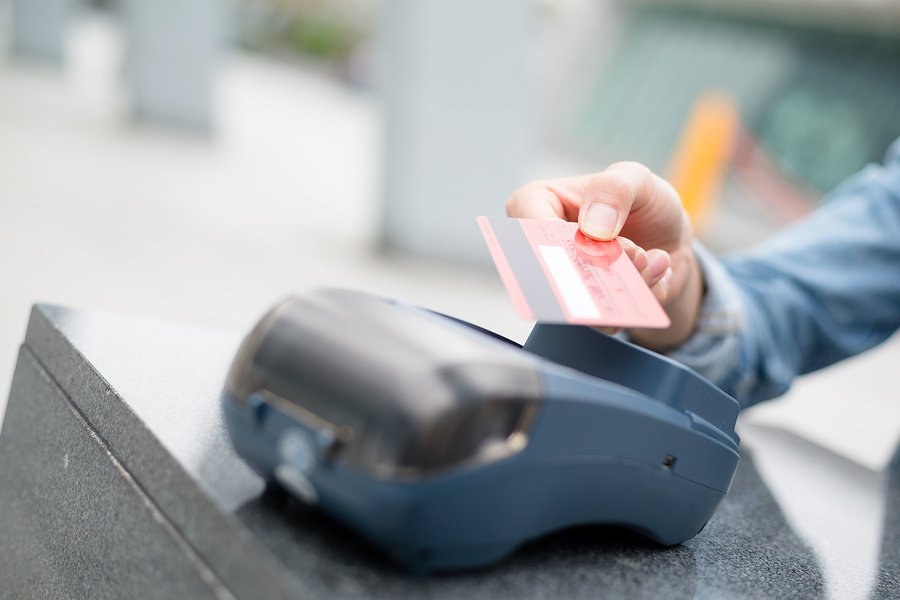 All types of businesses use Point-of-Sale systems, but each uses them a little differently. Where an automotive repair shop may just have a single, fixed terminal, a popular restaurant may have several fixed terminals as well as a series of handheld units that are constantly on the move. No matter what type of system you have, it’s crucial to protect your investment and keep it running smoothly as long as possible. Glitches in sales processing can cause huge headaches and potential income loss. Here are some suggestions from our experts to make sure your POS system lasts.
 Did you get an Amazon Echo or Google Home for Christmas? They may be really nifty gadgets that make hands-free operation fun, but they’re listening to more than just your music requests. These devices have become increasingly popular for their ability to make to-do lists, play music, turn electric appliances on and off, and provide weather and traffic updates after a simple voice command from their owner. But, in order to learn your voice and preferences, they record all of your commands as well as other detectable noises, even without the activation phrase (like “Alexa”). So what does this mean for our privacy?
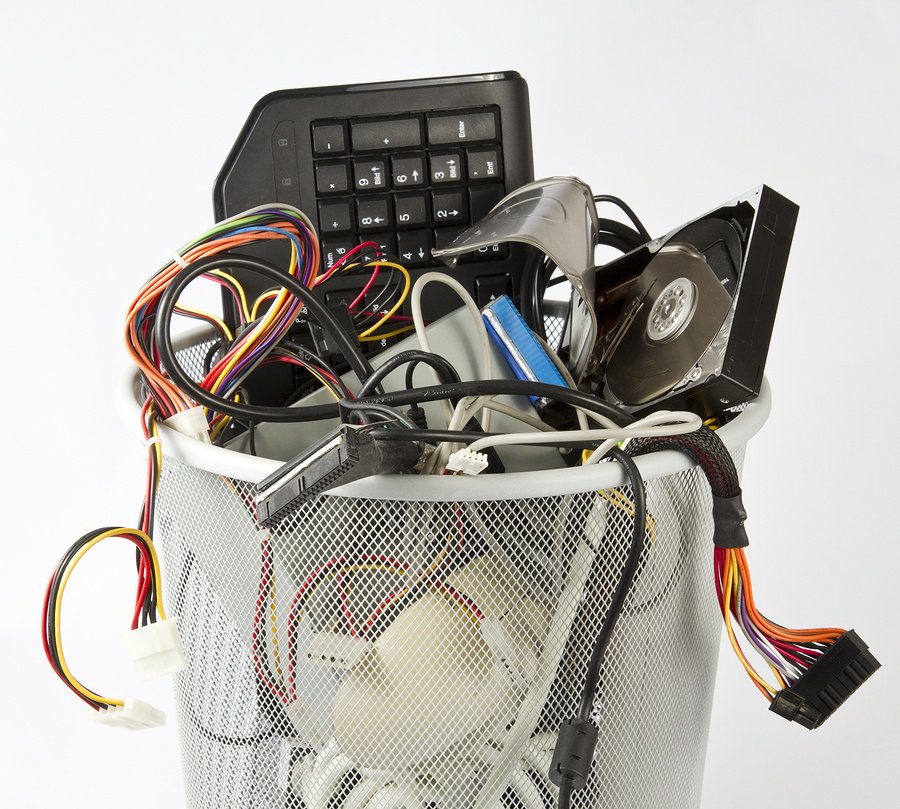 Every IT Manager will need to face this costly decision at some point in their careers. Some see the
 As we get ready to enter 2017, we think ahead to our plans for the new year. If you’re a business owner, you are hoping and planning for growth. But how do you find time to focus on the where, when, why and how to get that growth happening? You need to free up some of your time so you can focus on the business you excel at. A great way to find that time is by outsourcing some of the time consuming daily maintenance associated with running a business. Managed Service Providers (MSPs) can give you the expert support you need. Here are just a few of the functions you can consider outsourcing: